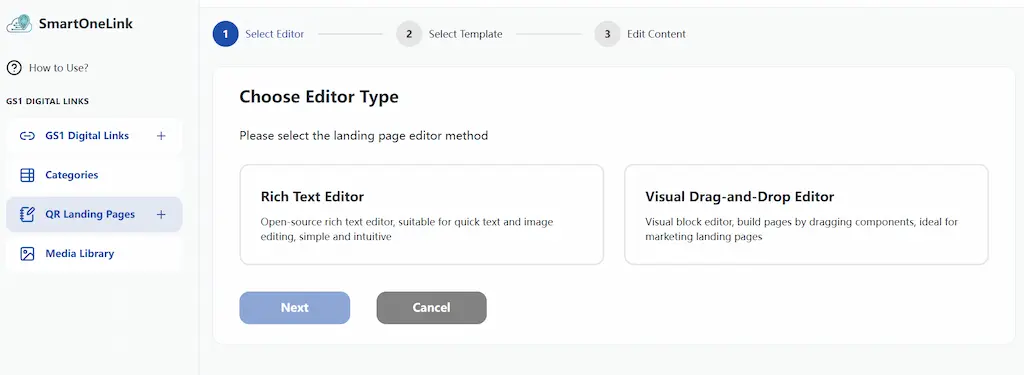
You will enter the editor type selection page. We offer two editors to meet the needs of different users.
Rich Text Editor An open-source rich text editor, suitable for quickly editing text and image content. It is simple and intuitive to operate.
Visual Drag-and-Drop Editor A visual block editor that allows you to build pages by dragging and dropping components. It is suitable for creating sophisticated marketing landing pages.
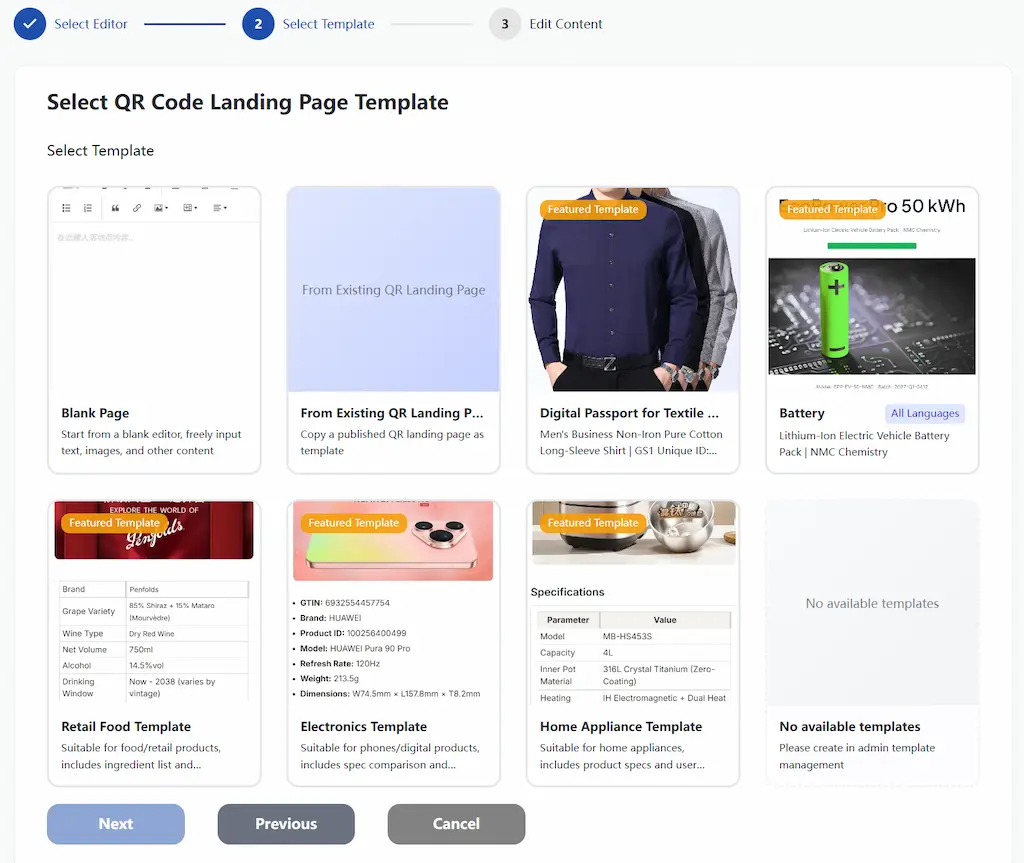
Step 2: Choose a QR Code Landing Page Template
Select “Blank Page” and click “Next” to enter the editor with a completely blank canvas, where you can freely add your own content.
Select “Create from Existing Page” and a list of previously created landing pages will appear below. You can choose one, click “Next”, and then edit and modify the content.
Select one from the “Featured Templates” and click “Next”. After entering the editor, you can edit and modify the template content.